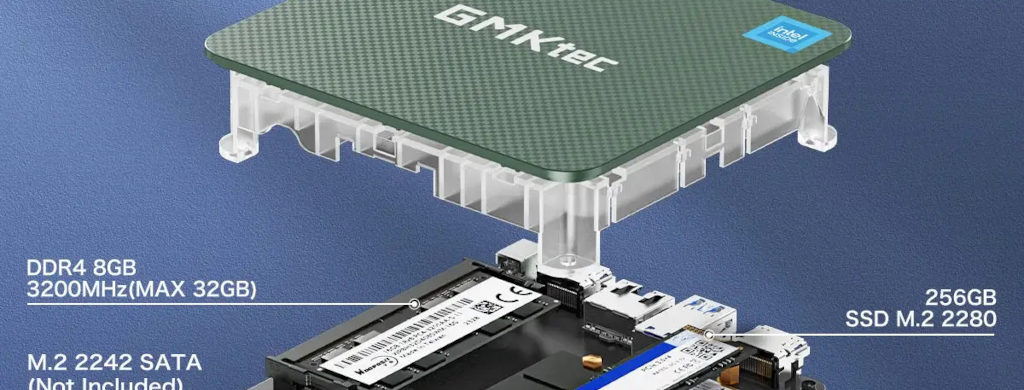
This one is written for future me, when I inevitably suffer the consequences of buying a $150 micro-PC from AliExpress equipped with an SSD that was swept off the floor after a flood.
… I regret nothing.
Anyway.
The blog itself is just static files (at some point I’ll write up the Pelican -> Hugo journey), so although the blog will keep running, I’ll have lost the ability to change anything. This blog has been written as I’ve set up my toolchain on a brand-new machine, so it’s kinda my disaster recovery plan.
The toolchain
I run Debian, and this blog is based on Hugo now, so grab the extended Hugo binary from the releases page and get the non-snapd version of Dart Sass.
sudo apt install -y git curl golang-go
tar xzf ~/Downloads/hugo_extended_*.tar.gz -C ~ hugo
tar xzf ~/Downloads/dart-sass-*-linux-x64.tar.gz -C ~/Downloads
sudo mv ~/hugo /usr/local/bin/
sudo mv ~/Downloads/dart-sass /opt/
sudo ln -sf /opt/dart-sass/sass /usr/local/bin/sass
hugo version
The keys
New machine, new keys, or so they say.
Lol nevermind, nobody says that. Restore them from my password manager like an adult. Then rebuild ~/.ssh/config. (make sure the blog server is the top line, for reasons that will soon become apparent)
Restore the blog content
git clone git@github.com:rhyven/ericlight.com.git ericlight.com
cd ericlight.com
hugo mod get
hugo --minify --gc
That’ll bring down the content of the blog itself, along with go.mod which will automatically pull down the Stack theme once we run hugo mod get. This is the point where I can have a look with hugo server and have a sense-check.
Incidentally, that also pins the Stack theme to the version I was running; update that with:
hugo mod get -u github.com/CaiJimmy/hugo-theme-stack/v4
hugo mod tidy
rm -rf public resources/_gen
hugo server
[this will absolutely rumble CSP ffs]
The publish script
Recreate publish_blog.sh:
#!/usr/bin/env bash
set -e
SERVER=$(awk '/^Host /{print $2; exit}' ~/.ssh/config)
cd ~/ericlight.com
rm -rf public resources/_gen
hugo --minify --gc
rsync -az --delete --dry-run --itemize-changes public/ "$SERVER:/var/www/ericlight.com/"
echo
read -r -p "Dry-run info above.  Hit Ctrl+C now if that looks cursed, or Enter to publish."
rsync -az --delete public/ "$SERVER:/var/www/ericlight.com/"
Oh yeah, it’s all coming together.
Writing a post
Hugo posts are page bundles (unlike Pelican, from which I’ve recently migrated), so it’s a directory with an index.md in it, and the images live alongside:
mkdir ~/ericlight.com/content/post/yeah-so-my-ssd-finally-shat-the-bed
Front matter needs title, date, categories, tags, summary, and maybe even a hero image to make it all look nice.
Images go in the post’s own folder, referenced by bare filename:

Leave the caption off and the theme just shows the alt text instead, which is usually fine.
draft: true plus hugo server -D to preview before committing to anything.
Publishing it
git add -A
git commit -m "New post: ssd failure post, as predicted"
git push
./publish_blog.sh
git add -A rather than git add ., because -A catches deletions too.
What about things that aren’t the blog, Eric?
There isn’t much! I’d need to reinstall Steam and StarCraft, reinstall the ESPHome builder and connect it to Home Assistan… that’s about it.
In fact, this article’s mere existence illustrates a regression towards infrastructure managment that I’m not entirely pleased with…
Until next time!